
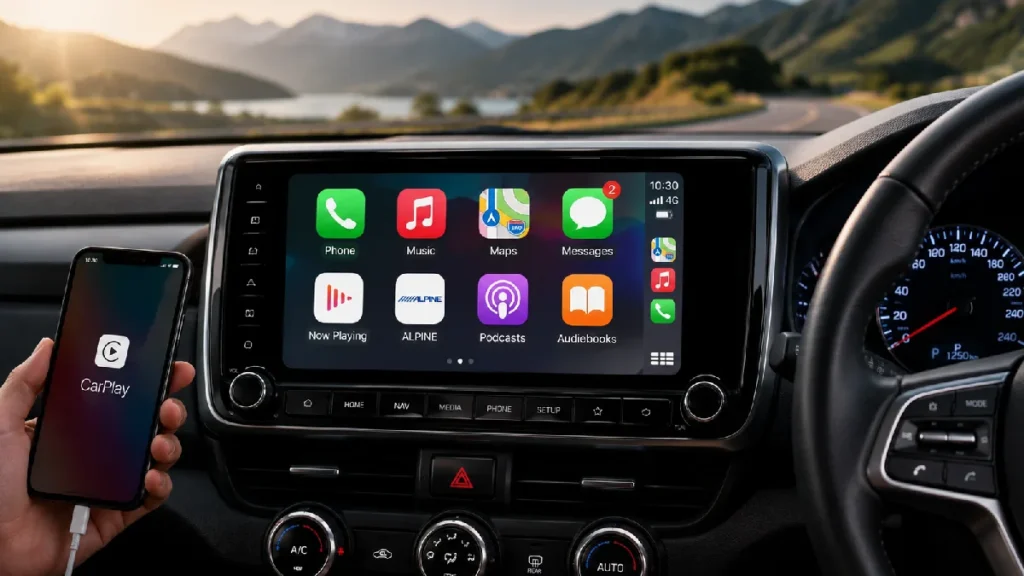
A modern car head unit can transform the way you use your vehicle. Today’s systems provide much more than traditional radio and music playback. They can offer smartphone integration, navigation, hands-free calling, Bluetooth connectivity, camera support, and access to a wide range of entertainment features.
With many options available, choosing the right head unit can feel confusing. This guide explains the key features to consider before upgrading your vehicle.
Apple CarPlay and Android Auto allow you to connect a compatible smartphone to your car’s display.
Depending on the system and phone, you may be able to access:
These features can make it easier to access important functions through a familiar interface.
Some head units support wired connections, while others offer wireless Apple CarPlay and Android Auto. Wireless connectivity can provide added convenience by connecting automatically when you enter the vehicle.
Bluetooth allows you to connect your smartphone without using a cable.
Common Bluetooth features include:
When choosing a head unit, check the quality of the built-in microphone and whether an external microphone is included. Clear call quality can make a significant difference during everyday use.
Head units are available with different screen sizes. The best option depends on your vehicle’s dashboard layout and available installation space.
Consider:
A larger display may provide easier access to navigation and camera views, but it should fit properly without affecting dashboard controls or visibility.
Some head units include built-in GPS navigation, while others use navigation apps through Apple CarPlay or Android Auto.
Navigation features may provide:
If you frequently travel to new locations, navigation support can be a useful feature.
If your vehicle has a reverse camera or you plan to install one, make sure the head unit supports camera input.
A compatible head unit can display the camera image automatically when reverse gear is selected. Some advanced systems may also support:
Camera compatibility should be checked before purchasing because different systems may require specific connections or interfaces.
A head unit plays an important role in the overall sound quality of your vehicle.
Look for features such as:
If you plan to install external amplifiers, upgraded speakers, or subwoofers, make sure the head unit provides suitable audio connections.
USB ports can be used for smartphone connections, charging, and media playback.
Check:
Some systems provide rear USB connections that can be routed to a convenient location inside the vehicle.
Many vehicles have steering wheel buttons for volume, track selection, phone calls, and voice commands.
A compatible head unit may allow these controls to continue working after installation. Depending on the vehicle, an additional steering wheel control interface may be required.
Keeping the original steering wheel controls can make the upgraded system easier and safer to use.
Not every head unit fits every vehicle. Before purchasing, consider:
Some vehicles require a custom fascia, wiring harness, antenna adapter, or additional interface.
Professional advice can help you select the correct equipment and avoid compatibility issues.
A professional installation can help ensure the head unit is securely fitted and all features operate correctly.
Professional installation may include:
This can help provide a clean finish while protecting the vehicle’s electrical system and interior components.
A modern car head unit can improve entertainment, navigation, communication, and vehicle convenience. Features such as Apple CarPlay, Android Auto, Bluetooth, GPS, camera support, and advanced audio controls can make every journey more enjoyable.
Before choosing a system, consider your vehicle’s compatibility, the features you use most often, and your future upgrade plans. Selecting the right head unit and having it professionally installed can provide a reliable and enjoyable driving experience for years to come.